

2K+ Downloads
AhaduBirr Mobile App
- Latest update: August 31, 2026
- App version: 1.0.1
21+ T&C apply | Play Responsibly
Quick specifications:
| Parameter | Detail |
|---|---|
| App version (Android) | 1.0.1 (ahadubirr-v1.0.1.apk) |
| File size (Android) | 46.2 MB |
| Supported OS | Android / iOS — no native app, home-screen web app only |
| Interface language | Amharic and English |
| Installation bonus | 10 free spins on a first deposit of 50 ETB or more |
| Last update | August, 2026 |
App screenshots:
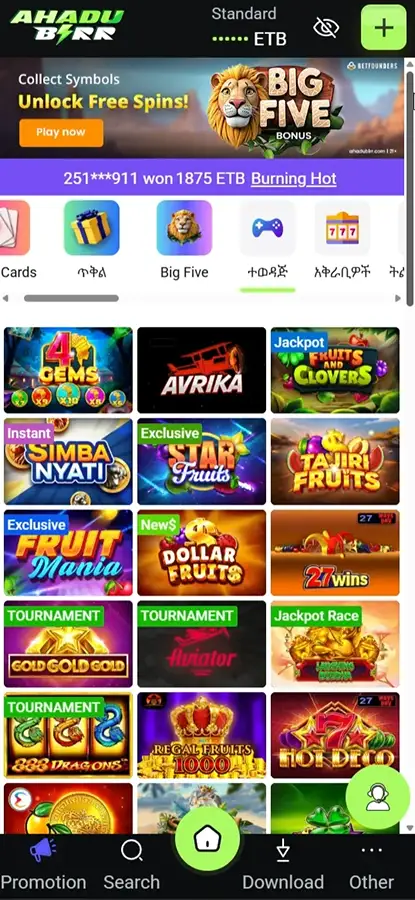
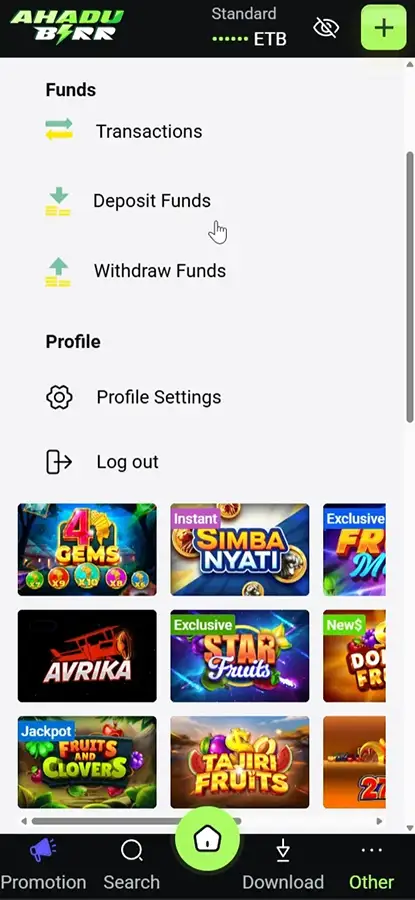
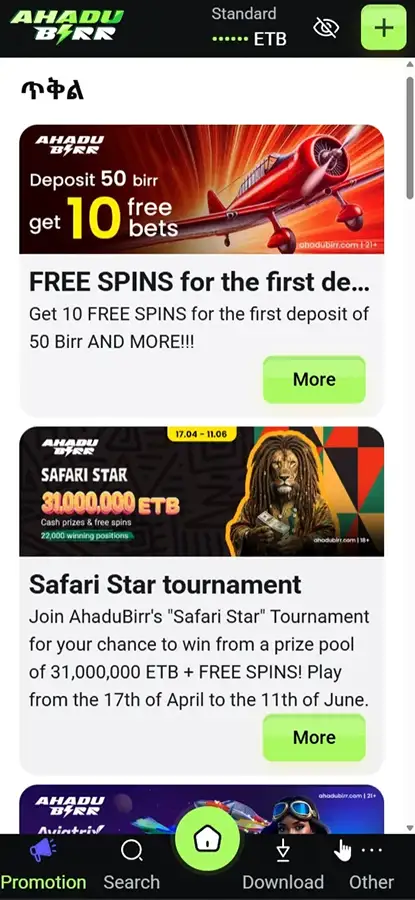
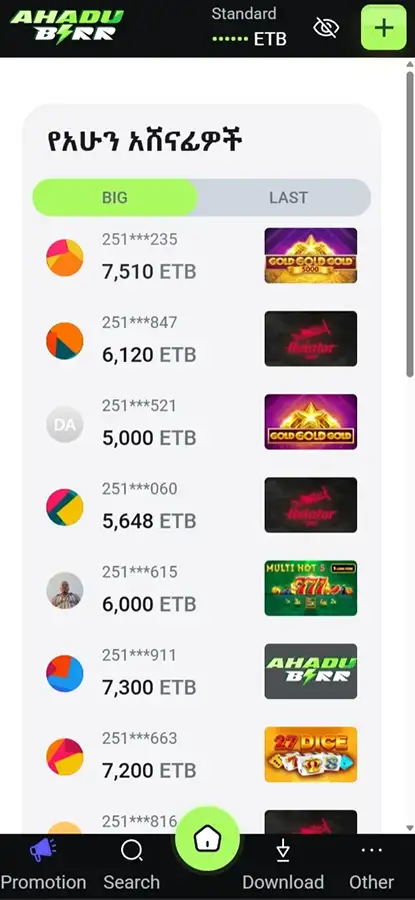
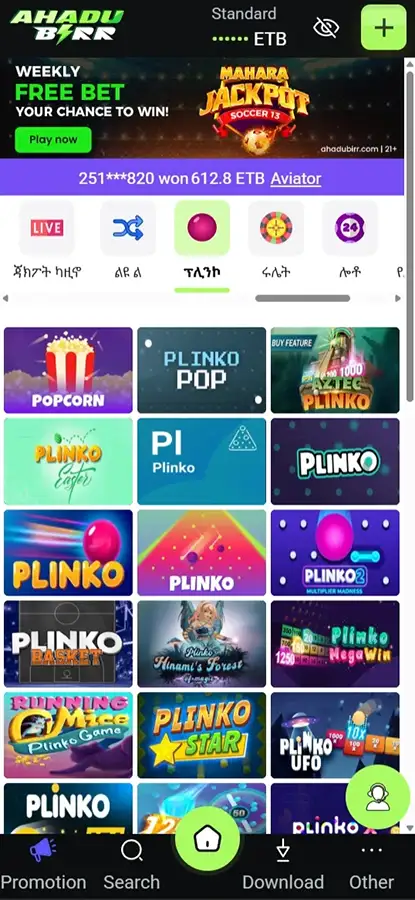
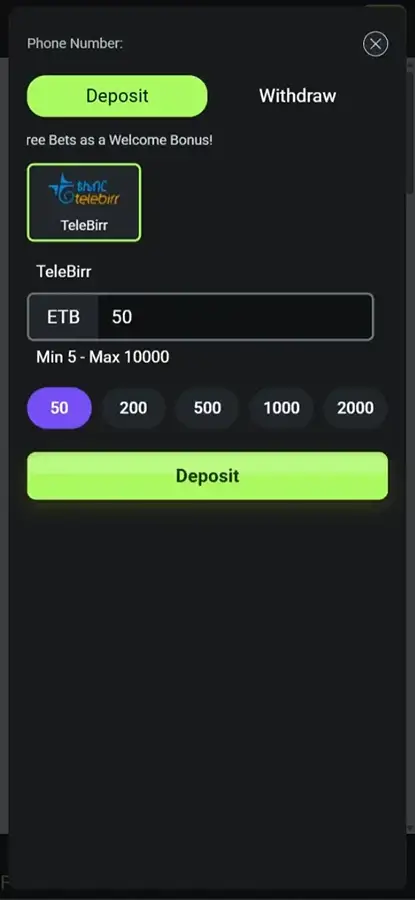
About AhaduBirr Mobile App
AhaduBirr offers players in Ethiopia a free mobile app that runs the same account, balance and game catalogue as the desktop site. On Android it is distributed as an APK from the operator’s own content delivery network — it is not on Google Play, so installation requires enabling installs from unknown sources. On iOS there is no App Store listing; iPhone and iPad users add a web app shortcut to the home screen instead. The build linked from the official download page is version 1.0.0, served from cdn.ahadubirr.com. AhaduBirr states that it is licensed by Ethiopia’s National Lottery Administration under licence number ስ/ው/ብሎ/40/2016.
How to download AhaduBirr on Android (APK)
Google Play’s Real-Money Gambling policy admits gambling apps only in an approved list of countries, with separate approval required per territory. Ethiopia is not among the supported territories, so an Ethiopian-facing casino cannot list there regardless of its local licence. Direct APK distribution is the standard workaround and is not in itself a sign of an unlicensed product — but it removes Google’s security screening, so the source of the file matters.
Step-by-step installation
-
1Open the official site ahadubirr.com in your mobile browser.
-
2Find the app section. The download sits under Promotions → Download App.
-
3Find the section with the app and tap the download button.
-
4Allow installs from unknown sources. On Android 8.0 and later this is granted per app: Settings → Apps → Special app access → Install unknown apps → select your browser → Allow. On older versions: Settings → Security → Unknown sources.
-
5Open the downloaded file from the notification shade or the Downloads folder and tap Install.
-
6Wait until the installation is complete, then launch the app.
💡 Practical tip: once the install finishes, revoke the "install unknown apps" permission for your browser. It takes ten seconds and closes the same door for every other site you visit. The app keeps working normally.
How to download AhaduBirr on iOS
No AhaduBirr app for Ethiopia was found in the App Store, and the official download page links only to the Android file. Apple requires real-money gaming apps to be submitted by the licensed operator and geo-restricted to licensed territories, which limits how many regional casinos publish there.
The supported route is a home-screen web app:
-
1Open ahadubirr.com in Safari.
-
2Tap the Share icon.
-
3Scroll down and select Add to Home Screen.
-
4Rename the shortcut if you wish, then tap Add.
-
5The icon appears alongside native apps and opens the site full-screen.
This is not a native application — no separate binary, no local game data — but it opens the same account and the same games.
Interface and features
App vs mobile website
| App (Android APK) | Mobile site | |
|---|---|---|
| Installation | Manual APK, unknown-sources permission | None |
| Storage used | Occupies device storage | Effectively none |
| Updates | Manual re-download | Automatic |
| Access | One tap from the home screen | Browser or bookmark |
| Games, payments, bonuses | Same | Same |
| iOS availability | Not available | Available, plus home-screen shortcut |
Daily players save a few seconds per session and keep access after clearing the browser cache; occasional players get the same product from the mobile site, with automatic updates and nothing to install. Neither side has exclusive content.
Won't install or won't run — what to do
- "App not installed." Usually a leftover older build. Uninstall the existing app, then install the new APK.
- "Installation blocked." The unknown-sources permission was not granted to the browser that downloaded the file — grant it to that specific app.
- "Problem parsing the package." A truncated or corrupted download, or an Android version below the minimum. Delete the file, re-download on a stable connection, and use the mobile site if it fails again.
- App opens but games do not load. Clear the cache (Settings → Apps → AhaduBirr → Storage → Clear cache) and check connection stability — live dealer streams are bandwidth-sensitive.
- Cannot log in. Confirm the mobile number format and use password recovery; if the account is restricted, only support can explain why.
- Withdrawal not received. Check that verification is complete — incomplete KYC is the most common cause of held payouts.
FAQ
Is the AhaduBirr app free?
Yes. There is no charge to download or install the app; playing for real money requires a deposit.
Can I find and download AhaduBirr app on Google Play?
No. The Android app is distributed as an APK from ahadubirr.com. Google Play's Real-Money Gambling policy does not cover Ethiopia, so an Ethiopian-facing casino app cannot be listed there.
Is there an iOS app?
No App Store listing was found, and the official download page links only to the Android file. iPhone and iPad users open ahadubirr.com in Safari and use Share → Add to Home Screen instead.
Which payment methods work in the app?
Reviews list Telebirr, M-Pesa, CBE Birr, SantimPay, ArifPay, Awash Bank and bank transfer, in birr. The lists disagree and the official site publishes no payments page, so check the cashier for what is actually live on your account.
Can I bet on football matches in the app?
No. AhaduBirr offers virtual sports — computer-generated events settled by a random number generator — not betting on real fixtures.
Is AhaduBirr licensed, and what is the minimum age?
The site states a licence from Ethiopia's National Lottery Administration, number ስ/ው/ብሎ/40/2016, and displays a 21+ age marker.